5 minutes · Smarters Player Lite
Apollo Group TV on iPhone / iPad
Straight from the App Store, so nothing is side-loaded. Five minutes, and the free player is enough.
iPhones and iPads install straight from the App Store, so there is nothing to side-load and no permission to grant. The trade-off is that Apple's rules limit which players stay listed, so the app you want is not always the one with the most familiar name.
Devices this covers
- iPhone on iOS 13 or later
- iPad on iPadOS 13 or later
- iPod touch (7th generation)
- Apple TV — use the Apple TV guide instead
Before you start
- An iPhone or iPad on iOS 13 or later
- Your Apollo server URL, username and password from the portal
Your server URL, username and password are on your subscription page in the portal, and in the email sent when the line was created. Copy them exactly — they are case-sensitive, and a trailing space pasted from an email is the most common reason a login is rejected. Open your subscription page.
Installing with Smarters Player Lite
Apple removed the original Smarters Pro from the store; Lite is the current listing from the same developer.
Install Smarters Player Lite
Search the App Store for Smarters Player Lite and install it. If you find a paid app with a near-identical name and icon, it is not the same publisher — check for WHMCS Smarters.
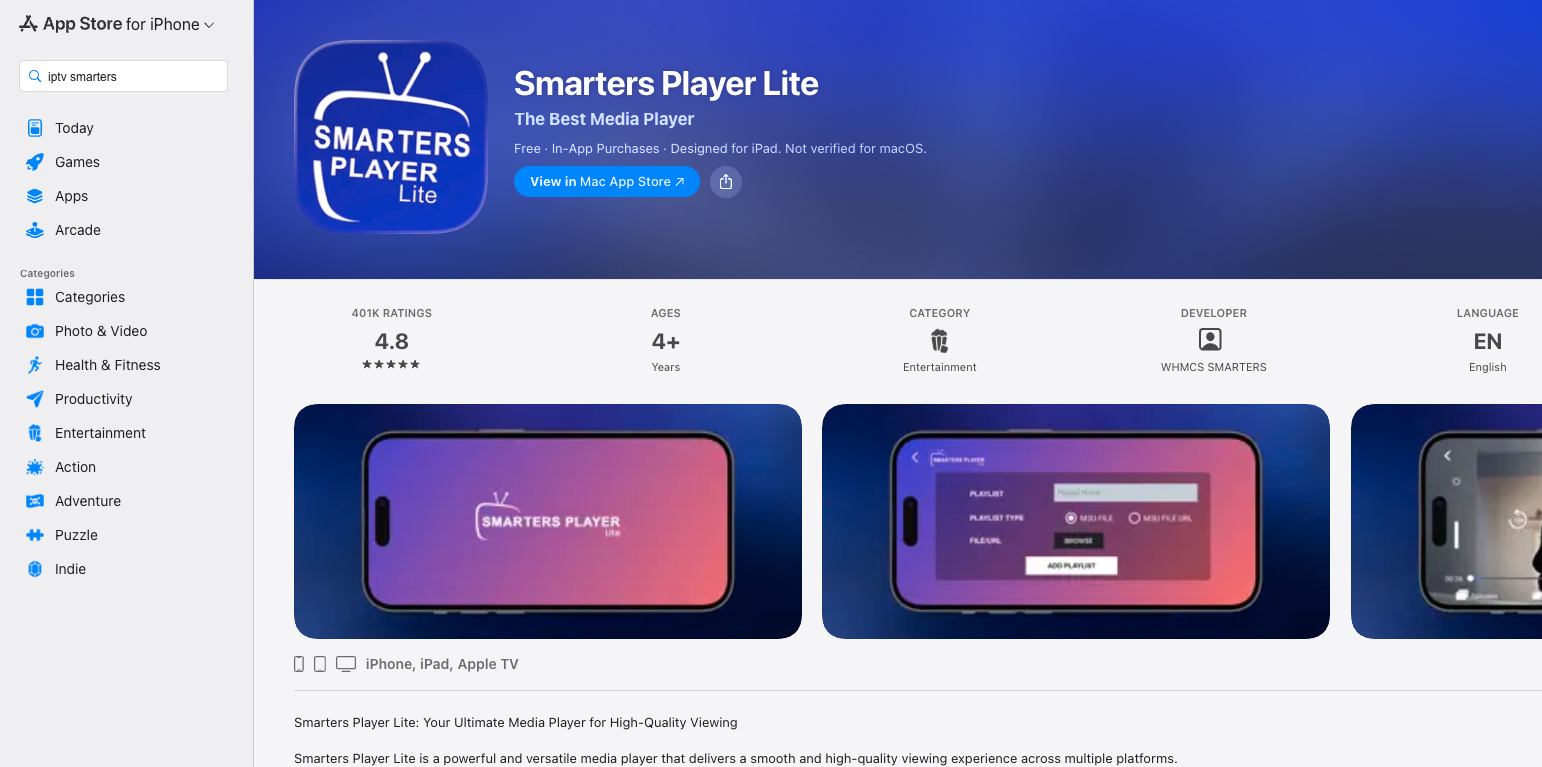
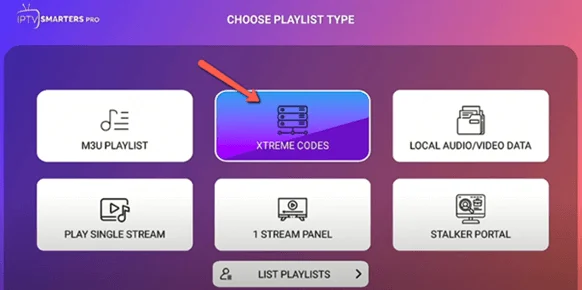
Choose the Xtream Codes login
On first launch pick Login with Xtream Codes API. The M3U option also works but gives you a flat channel list with no guide.
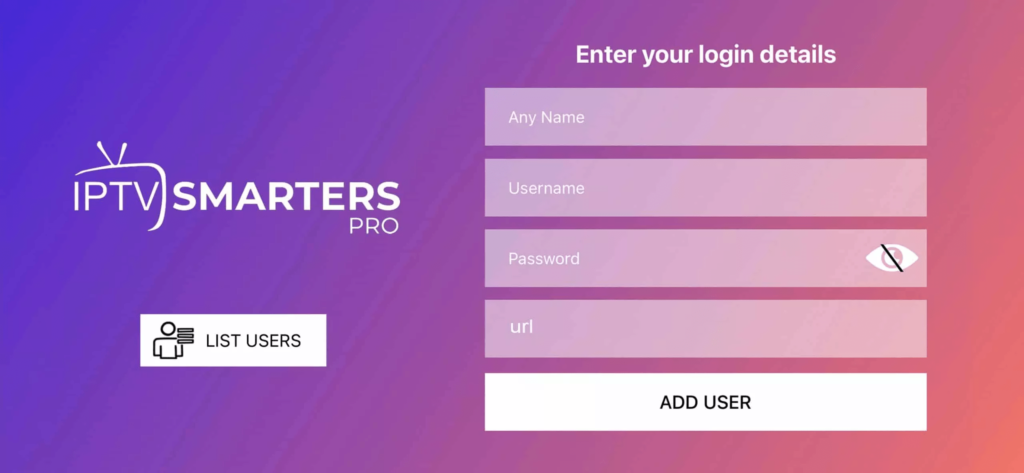
Enter your line
Type the username, password and server URL from the portal. iOS will offer to autocorrect the URL — decline it, since capitalising the first letter breaks the address.
Let the guide download
The first sync pulls the channel list and seven days of EPG. On a phone this is usually under a minute.
Start watching
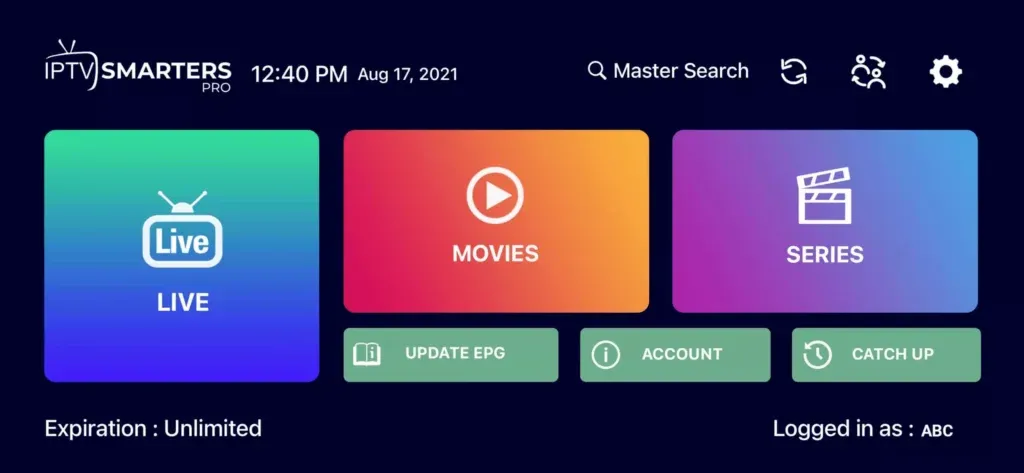
Open Live TV for channels, or Movies and Series for the on-demand library.
If AirPlay to a TV drops out
AirPlay re-encodes the stream and adds a second hop over your Wi-Fi, which is where it usually falls apart. A cable from the phone, or any of the TV-native setups on this page, is markedly more reliable than mirroring.
Questions about iPhone / iPad
Which app should I install?
Smarters Player Lite, from WHMCS Smarters. Apple removed the original Pro listing; look-alikes with near-identical icons are different publishers.
Why does the login fail when the details look right?
Nine times out of ten iOS has autocapitalised the server URL or added a trailing space. Tap the field, check the first character, and retype rather than paste if it persists.
Can I AirPlay to the TV?
Yes, though mirroring is the least reliable way to watch. If the TV can run the app itself, set it up directly instead.
Other devices
Need a hand?
Support answers around the clock, and a line can be tested from a desktop in about a minute if you are not sure whether the problem is the device or the subscription.
Open the help centre